CAD to mesh, on your own machine.
Drop a folder, queue fifty files and export formats the browser build does not write. It reads and writes your disk directly, so the job runs the same whether or not you are online.
The browser converter stays free and unlimited. The app only adds the jobs a browser tab cannot finish: B-rep export, folder batches and files bigger than a tab can hold.
Windows 10 version 1809 or later, Windows 11, x64 · eight interface languages
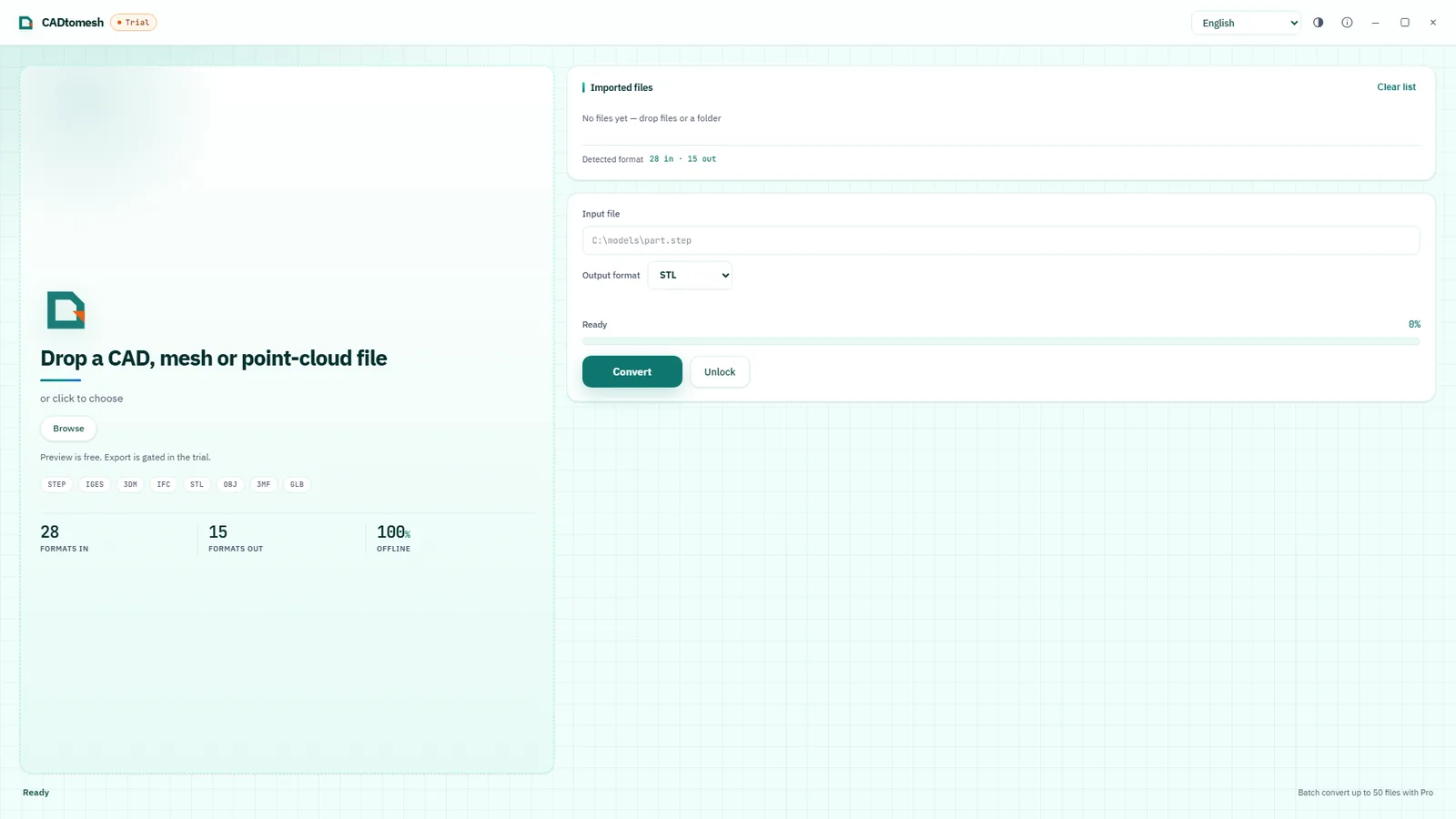
Three jobs a browser tab gives up on.
Batch queues
Drop a folder and every supported file enters one queue, up to 50 at a time. One corrupt model is reported and skipped; the rest of the batch keeps going.
More formats out
Fifteen writers instead of eight. Both sides produce STL, OBJ, PLY, GLB, glTF and 3MF; the app adds nine more, among them STEP, IGES, BREP and DXF, so a mesh can go straight back into a CAD tool.
No connection needed
The geometry kernel ships inside the installer, so an air-gapped machine, a plane or a shop floor with no wifi converts exactly the same files.
With Pro, the 100 MB ceiling is gone too: an assembly above that size is opened from disk and meshed by the native kernel, instead of competing with a browser tab for memory.
Try it first. Buy it once.
The trial is the Microsoft Store feature-limited build, not a separate demo. Same kernel, same writers, same preview.
| Capability | Trial | Pro |
|---|---|---|
| Price | Free from Microsoft Store | One-time purchase, price set in the Store listing |
| File size | Up to 100 MB per file | No limit |
| Mesh outputs (12) | All 12 | All 12 |
| B-rep export | — | STEP · IGES · BREP |
| Batch queue | One file at a time | Up to 50 per queue |
| Works without internet | ||
| Account or sign-in | None | None |
Which one do you need?
Same kernel, same tessellation. The difference is throughput, coverage and connectivity.
| Capability | Web · cadtomesh.com | Windows app |
|---|---|---|
| Install | Nothing to install | Microsoft Store |
| Cost | Free | One-time purchase |
| Input formats | 28 | 28 |
| Sources only it reads | GEOM · MD2 · VOX · USDA · WRZ | DXF · Rhino 3DM · LAS · PCD · PTS · ASC · X3D |
| Output formats | 8 | 15 |
| Writers both share | STL · OBJ · PLY · GLB · glTF · 3MF | |
| Only the app writes | — | STEP · IGES · BREP · DXF · AMF · OFF · VTK · VRML · X3D |
| Only the web writes | USDZ · Collada (DAE) | — |
| STEP, IGES and BREP export | — | |
| Batch queue of many files | — | Up to 50 per queue |
| Converts with no internet | — | |
| Account or sign-in | None | None |
| File upload | None | None |
Before you install
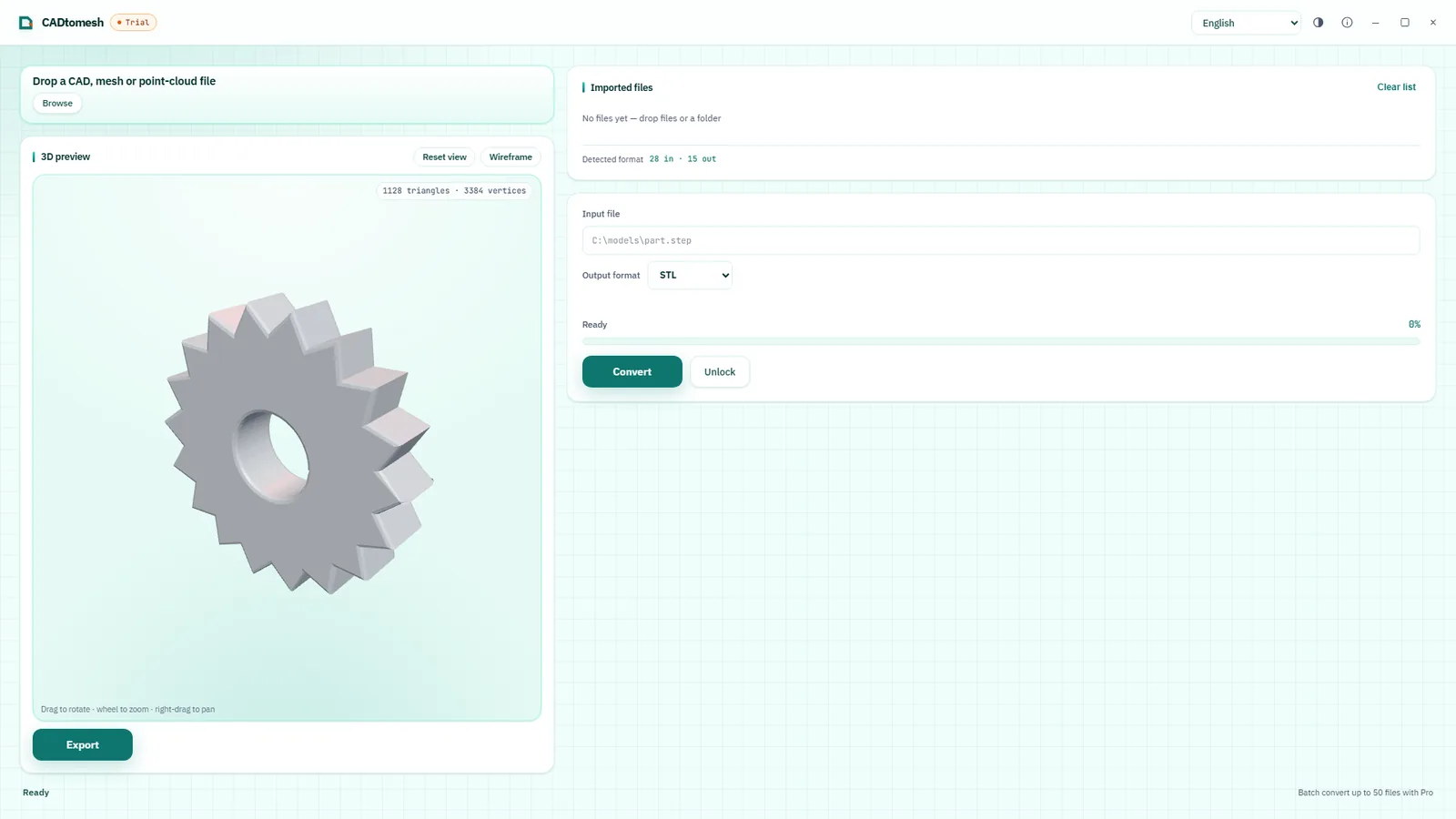
The browser tool stays free and has no conversion limits for single files. The Windows app exists for three things a browser tab cannot do: batch queues of up to 50 files, formats the web build does not write (STEP, IGES and BREP among them), and conversion on a machine with no internet connection.
No. Both products use the same OpenCascade geometry kernel, so the same file produces the same tessellation on either one. The app is about throughput, format coverage and working offline — not about accuracy.
No account, no sign-in and no upload endpoint. Files are read and written by your own disk, the app collects no telemetry, and payment is handled entirely by Microsoft Store.
No. The app writes a new file next to the original. When the output format matches the input, the result gets a -converted suffix instead of replacing the source.
Windows 10 version 1809 or later, or Windows 11, on a 64-bit (x64) machine. The WebView2 runtime ships inside the installer, so nothing else has to be downloaded first. A feature-limited trial is available in the Microsoft Store, so you can check your own files before buying.
The trial writes all 12 mesh formats and converts files up to 100 MB, one at a time. Buying the app unlocks exactly three things: STEP, IGES and BREP export, folder batches of up to 50 files, and files above 100 MB. The kernel, the preview, offline conversion and the no-account design are identical in both.
It is a one-time purchase, priced in the Microsoft Store listing for your region. There is no subscription and no in-app currency. The trial is the Store's feature-limited trial, so you can open your own files before paying anything.